
Showing posts with label THE ERLKING. Show all posts
Showing posts with label THE ERLKING. Show all posts
Saturday, 13 June 2015
New Designers Turnaround: The Erlking
The playblast below shows the subtle animation I decided to add to the turnaround of the Erlking. Small things but I think they enrich the model.

Wednesday, 20 May 2015
Animation Update: Do Come My darling
Fog animation changed.
The Son's animation tweaked.
The Erlking's animation added.
- Animation with no fog.
- Animation with fog.
Comparison to the old animation:
Tuesday, 19 May 2015
Animation Update: Do Come My Darling
Fixing the animation of the scene for New Designers.
Attempt number one (fixing the Son, the Elking not edited yet):
Attempt number one (fixing the Son, the Elking not edited yet):
After receieving feedback additional changes have been made to the Son's animation to make him feel more scared and distanced from the Erlking:
There's still a lot of fixing to be done but it's much better than it was before.
Tuesday, 21 April 2015
Animation Progression
107-112
King Appears in the distance
King Appears in the distance
I added a camera shake as the horse ran by .
Wednesday, 1 April 2015
Animation: The Erlking's First Appearance .05
1. Luminance Depth Pass

2. Render layers.
This time I tried splitting the elements between few more layers to discover if it makes the post-production process easier.
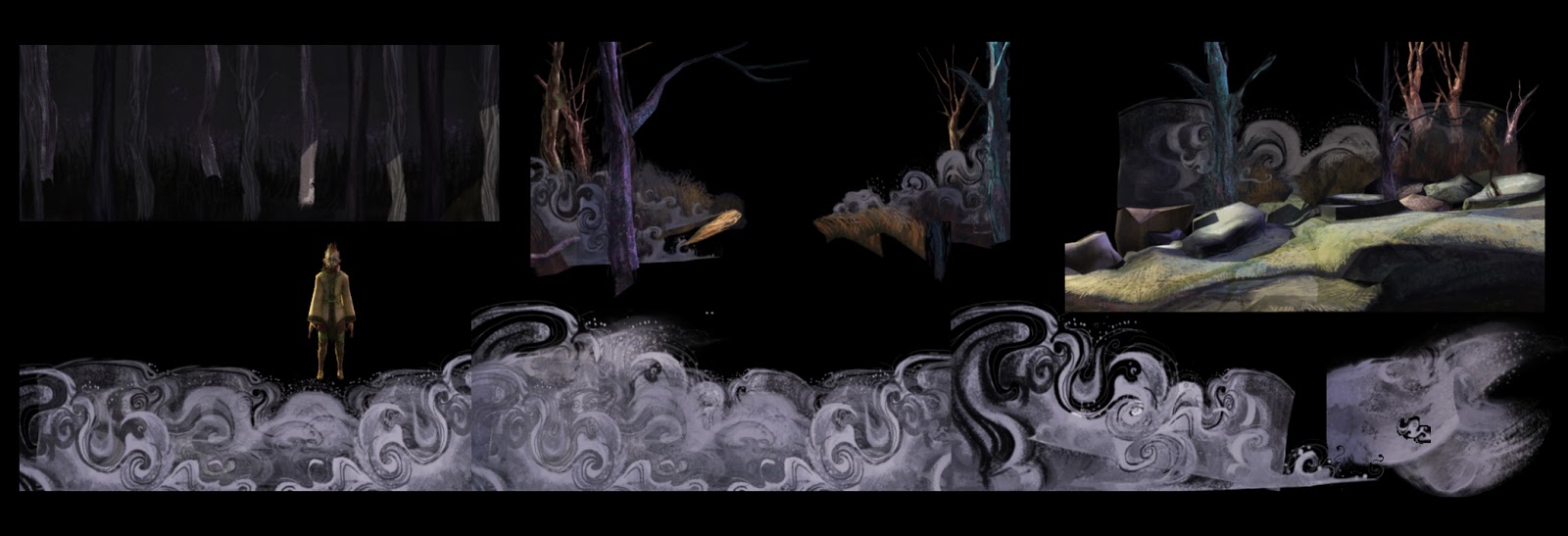
This scene is currently rendering. Time to move on!
2. Render layers.
This time I tried splitting the elements between few more layers to discover if it makes the post-production process easier.
This scene is currently rendering. Time to move on!
Tuesday, 31 March 2015


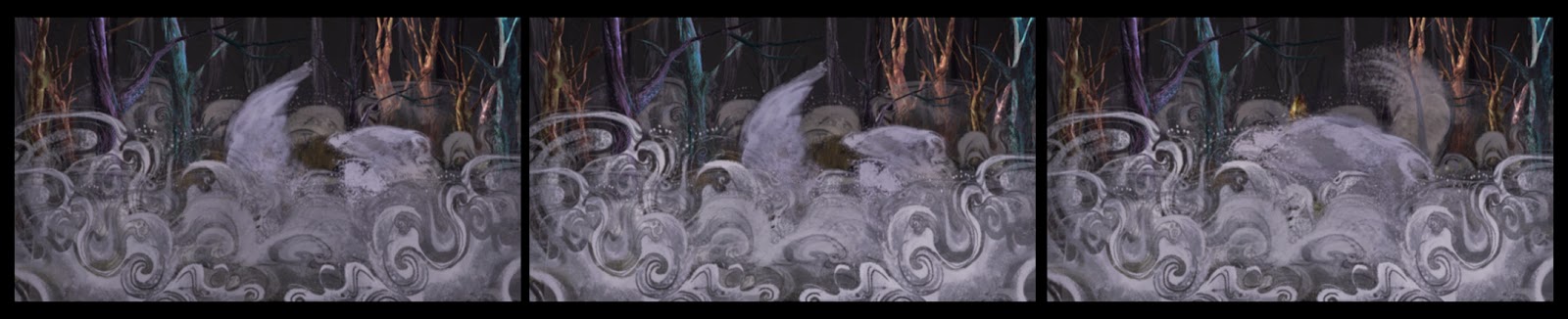
Animation: The Erlking's First Appearance .03
1. So far that's the fog. It shall be rendered on separate layers and further improved in post-production.

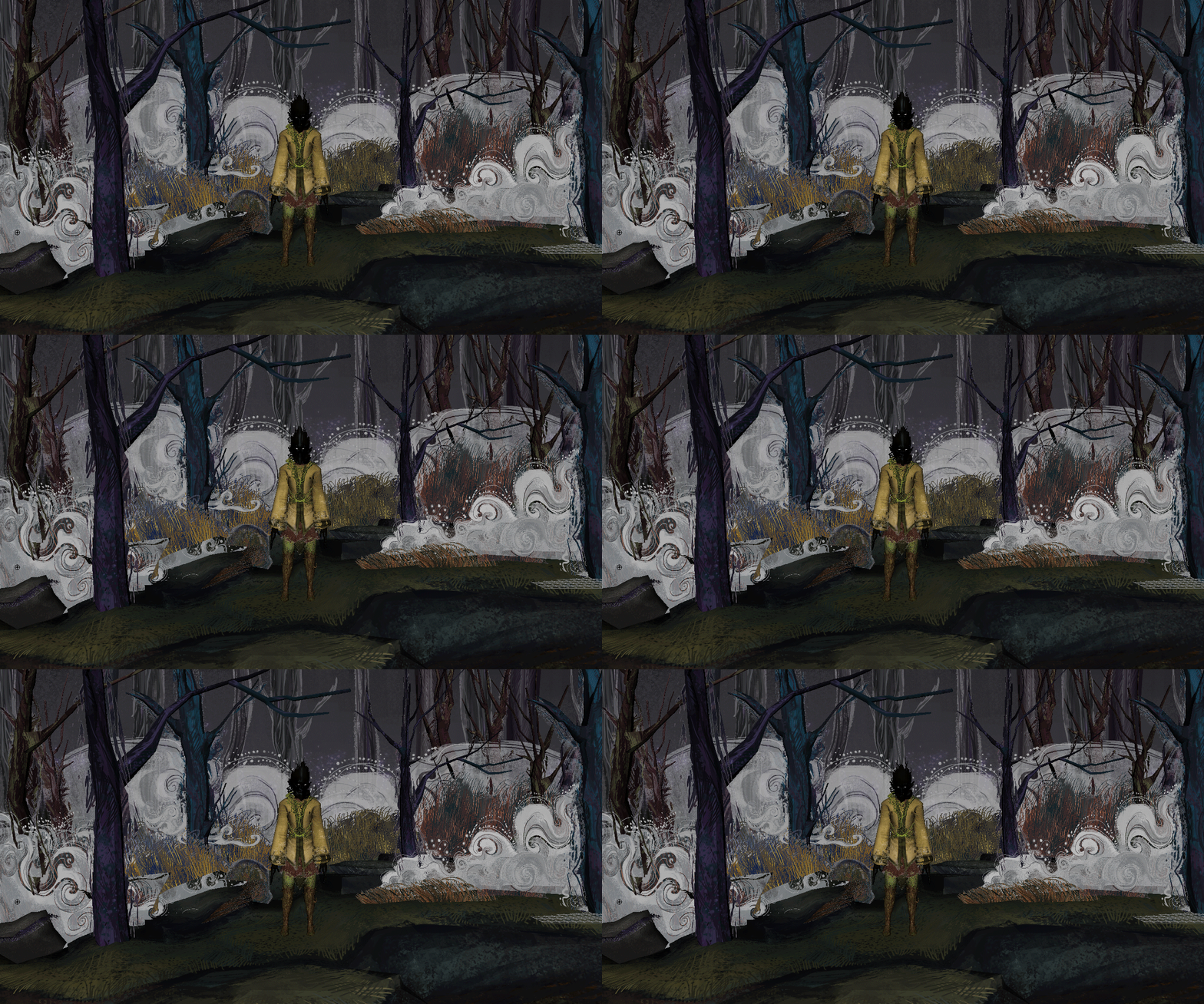

2. The Erlking subtle animation when he appears. The hands are always covered by the fog so there wasn't much attention given to them.
Monday, 30 March 2015
Animation: The Erlking's First Appearance .02
Developing the fog, fog layers and movements and the Erlking's animation.
Thursday, 26 February 2015
The Erlking - Texturing Complete
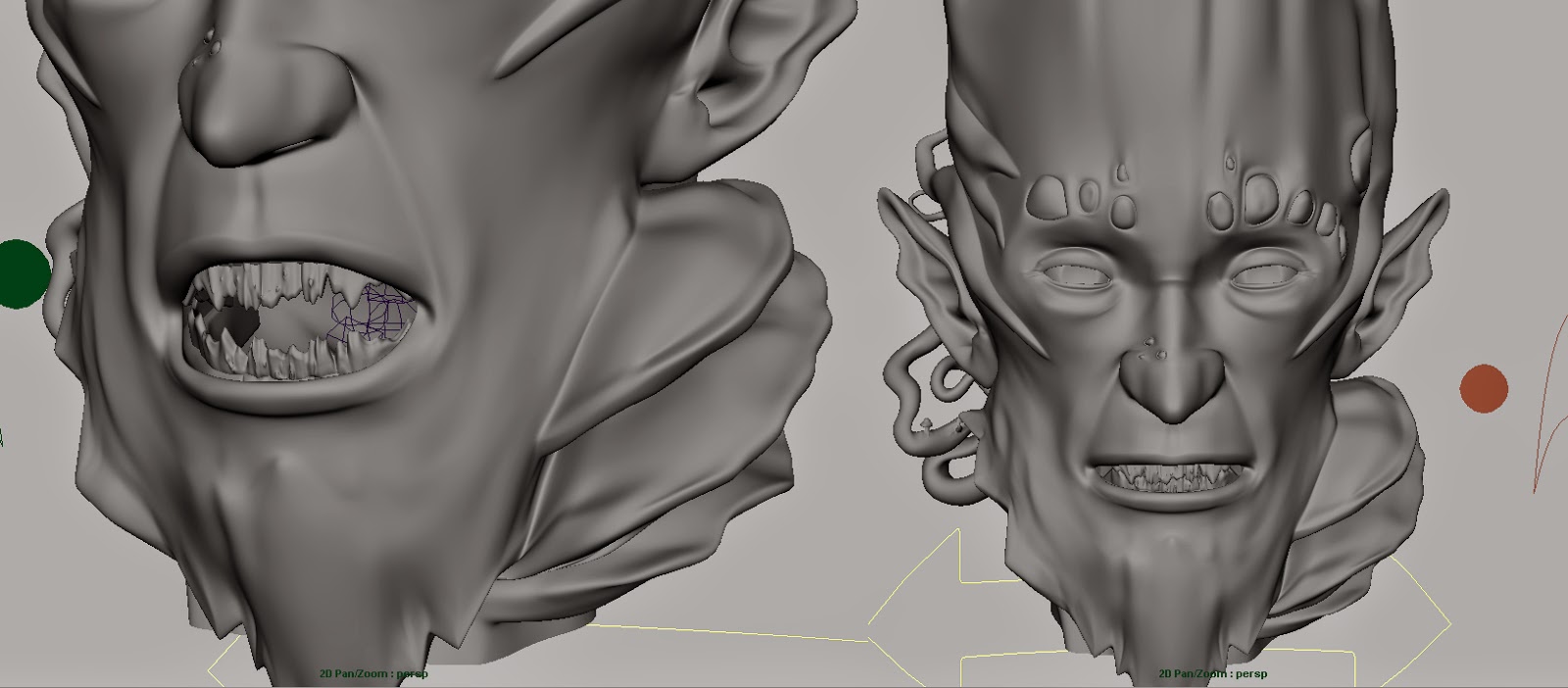
1. Teeth and Gums

2. Brushtroke Planes


3. Transparency Added Across the Model

4. Bump Map and Specular Map on the Head and Branch Details


5. Modelling of the Erlking Complete (corrective shoulder blendshapes require re-plugging)

Tuesday, 24 February 2015


Friday, 20 February 2015


Tuesday, 17 February 2015


Monday, 16 February 2015


Friday, 26 December 2014
The Erlking - Character Rigging Completed
1. Pose Space Corrective Blend Shapes


2. nCloth - Dynamic Train
3. Character Rigging Completed
Thursday, 25 December 2014
The Erlking - Rigging Part.3
1. Rivet Controls - Adding Rivets and Controls

2. Rivet Controls - Adding & Controling Weights


3. Pose Library

2. Rivet Controls - Adding & Controling Weights
3. Pose Library



Subscribe to:
Posts (Atom)